
Piagnes
Piagnes is a website for learning music and piano with the instrument in front of you. You connect a MIDI keyboard, every key you play lights up on screen and the app corrects what you play instantly, with nothing to install.
It is built for people with a digital piano at home who want to practise on their own: exploring and practising are open, and with an account your progress and preferences follow you to any browser.
Features
Direct connection to the keyboard from the browser, using Web MIDI; where there is no MIDI, an on-screen piano.
Falling-note exercises with instant assessment: scales, arpeggios, progressions, rhythm, recognition and ear training.
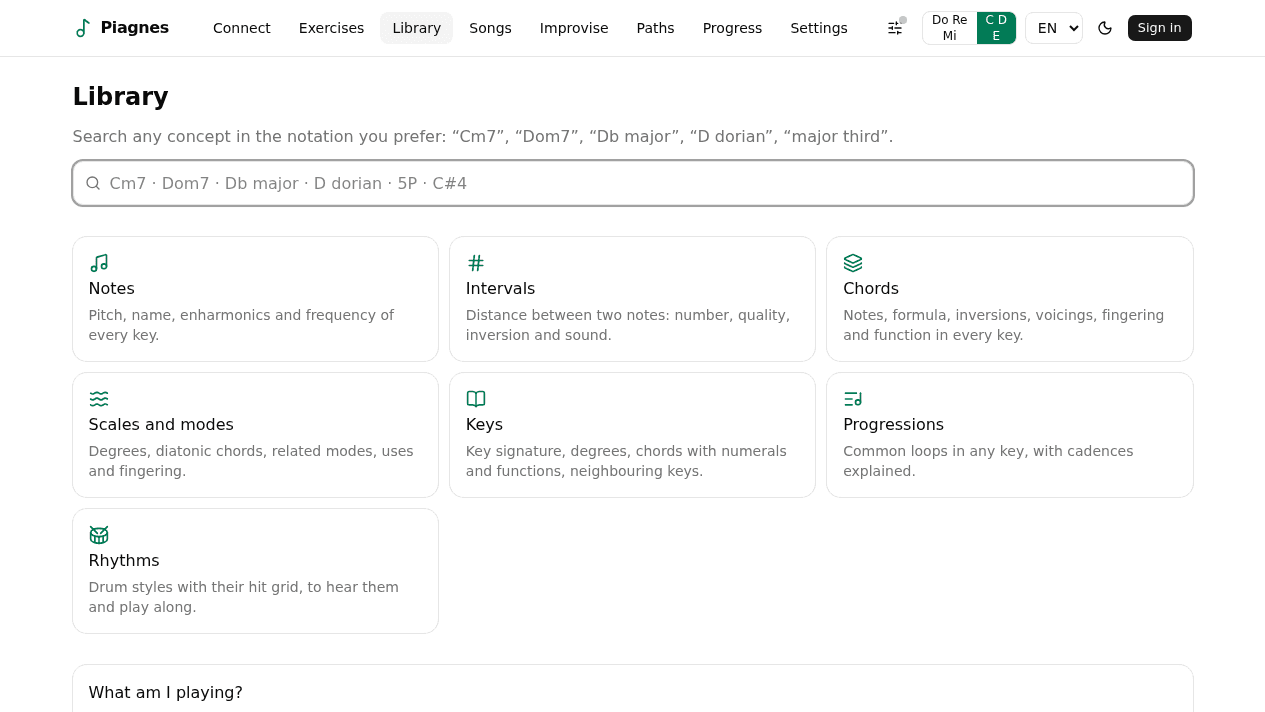
Theory library with notes, intervals, chords, scales and keys, which you can see on the keyboard, hear and send to the instrument.
An identifier that recognises what you are playing.
Public-domain songs with lyrics and chords, to transpose and practise with accompaniment.
Improvisation over a looping progression, with suggested material for each chord and every note labelled live.
Learning paths with modules, prerequisites, goals and achievements, and a recommended next step.
Scores generated from the pieces and an editorial panel for publishing versioned content.
Technologies used
A music theory engine of its own
The theory lives in a pure TypeScript package with no DOM, which feeds the exercises, the library, the songs and the score: a single source of truth for what a chord or a scale is.
Real time runs outside React
MIDI, audio and transport are subsystems independent of the interface, and the piano roll is painted on canvas. Sound comes from Web Audio and, if enabled, also through the instrument’s own MIDI output.
Measured, not assumed
MIDI-to-screen and MIDI-to-sound latency and piano-roll frame rate are measured with dedicated scripts and a diagnostics panel inside the app, using real system MIDI.